 |
 |
 |
 |
 |
| BUSINESS SYSTEM MODULAR: MANAGE INVENTORY | USER GUIDE | DOWNLOAD: PC |
 |
 |
 |
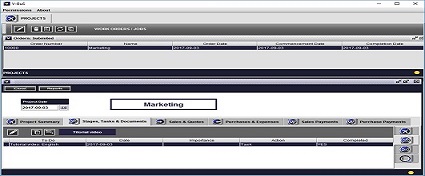 |
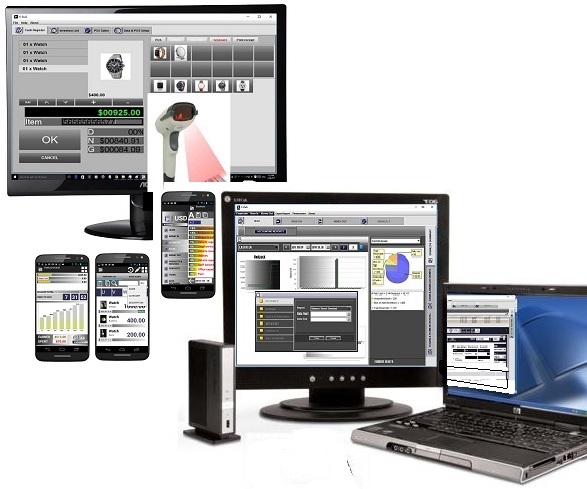
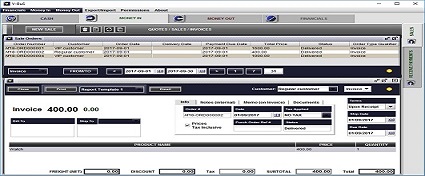
- Full business Accounting, CRM, Organizer, Project Management and Inventory control in a single application.
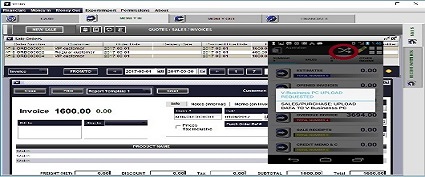
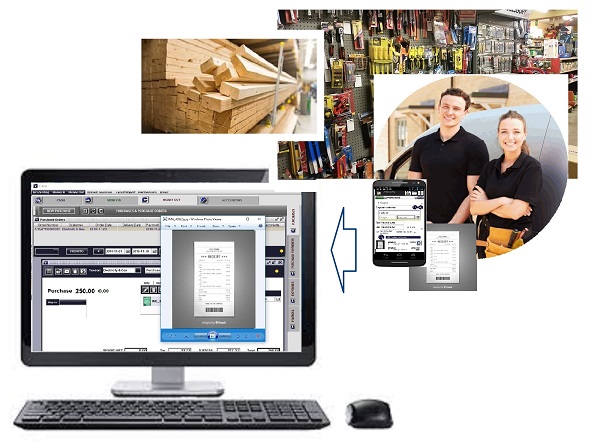
- Link to one or more Android devices (phones or tablet PCs): information from the Android devices is automatically downloaded to the system.
- Stock control
- Management of inventory data: prices, costs, and inventory levels
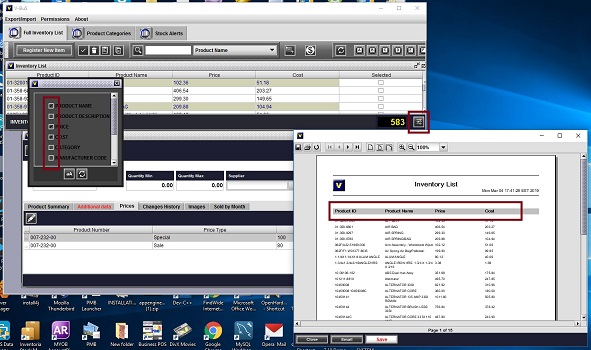
- Search inventory based on different criteria
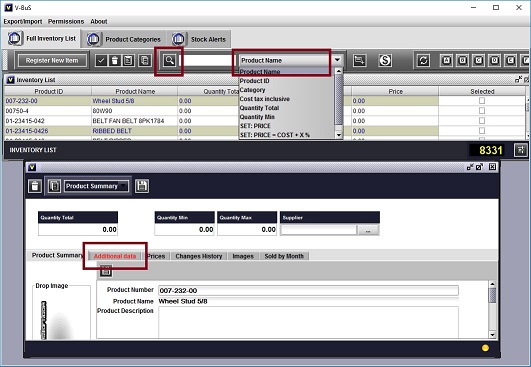
- Flexible configuration of inventory reports with different inventory data
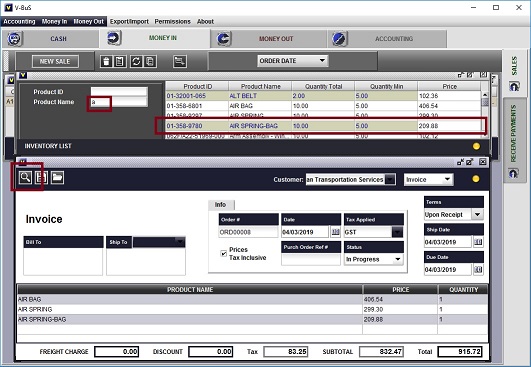
- Record inventory as a part of production cost or instantly invoice the customer
- Sales
- Manufacturing
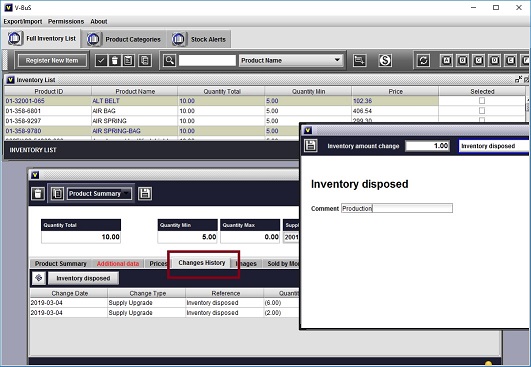
- Full stock history with the name of the user who made the changes to the stock amount or reference to the sale, etc.
- Inventory & sales cross-referencing: automatic update of physical and money inventory values when process sale or purchase
- Sales
- Repurchasing
- Use "Stock alerts" to control insufficient inventory
- Automatically generate Purchase Orders when inventory level falls below the stock alert threshold
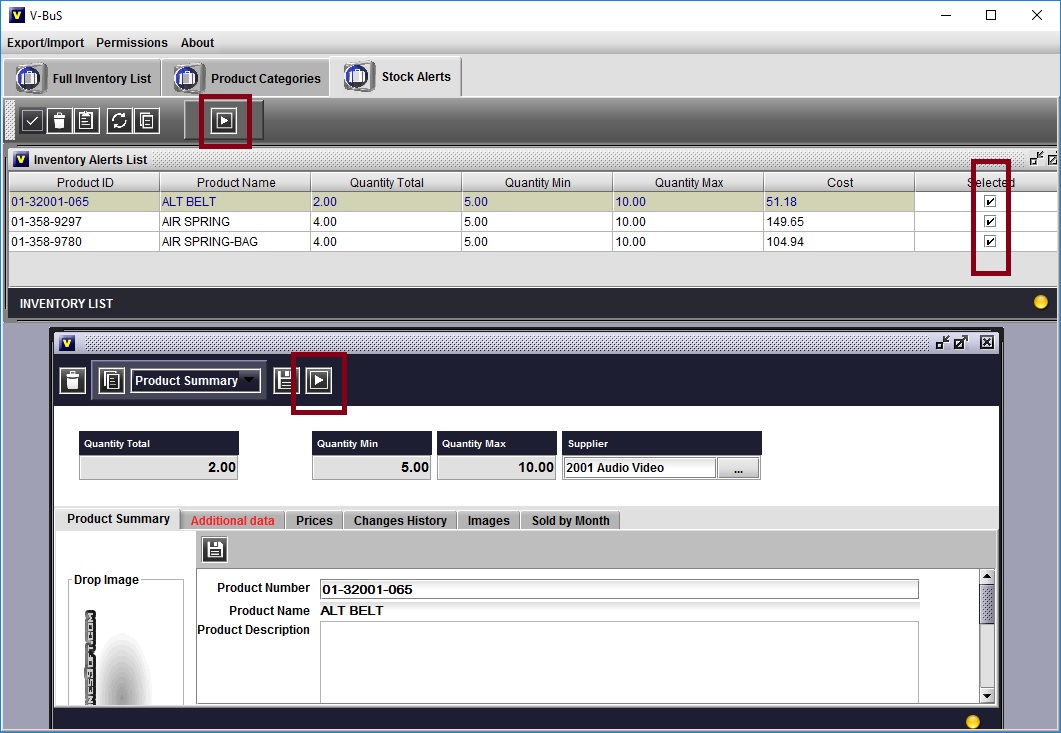
The purchase orders created from "Stock alerts" pane can be generated either for the vendor, in this case, a purchase order may contain several order lines. Alternatively, the purchase orders can be generated for each inventory item separately.
- Create templates and use them when creating the purchase order for the given vendor
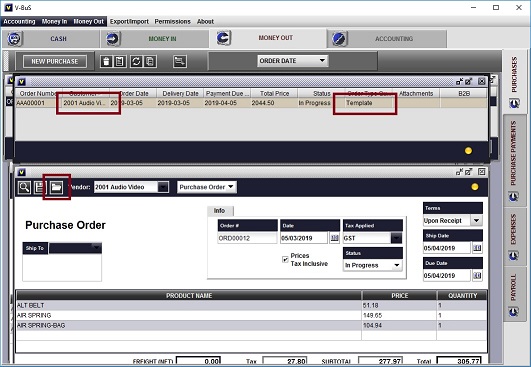
The templates can be configured different vendors and with the list of inventory items and amounts typically used when purchasing from this vendor.
- Email purchase order to the vendor as a pdf file or use B2B facility to pass encrypted data directly to your vendor's application.
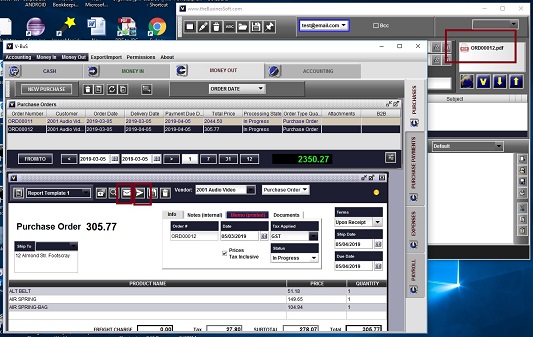
Note: B2B facility can be used only if the vendor has a similar application, which can decrypt the data.
| DOWNLOAD | FAQ | CONTACT |