 |
 |
 |
 |
 |
| BUSINESS SYSTEM MODULAR: MAINTAIN CUSTOMERS RELATIONS | USER GUIDE | DOWNLOAD: PC |
 |
 |
 |
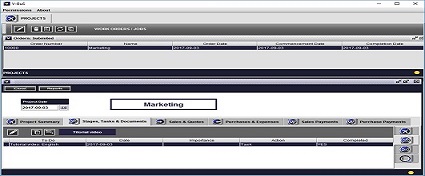 |
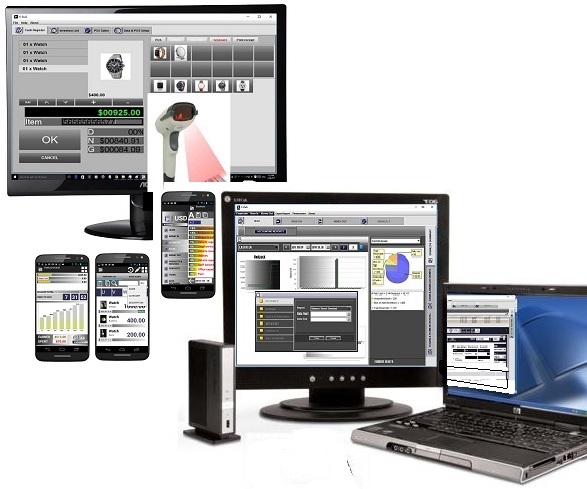
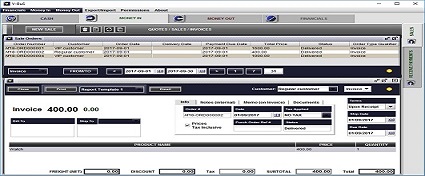
- Full business Accounting, CRM, Organizer, Project Management and Inventory control in a single application.
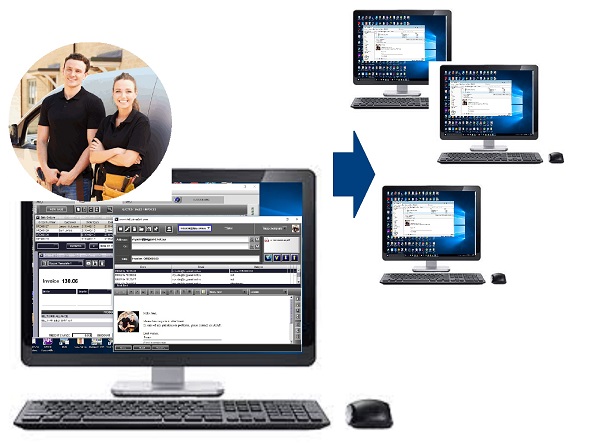
- Link to one or more Android devices (phones or tablet PCs): information from the Android devices is automatically downloaded to the system.
- Maintain & use your customers data
- Keep standard personal/organisation information & contact details
- Keep and use multiple shipping addresses for the customer
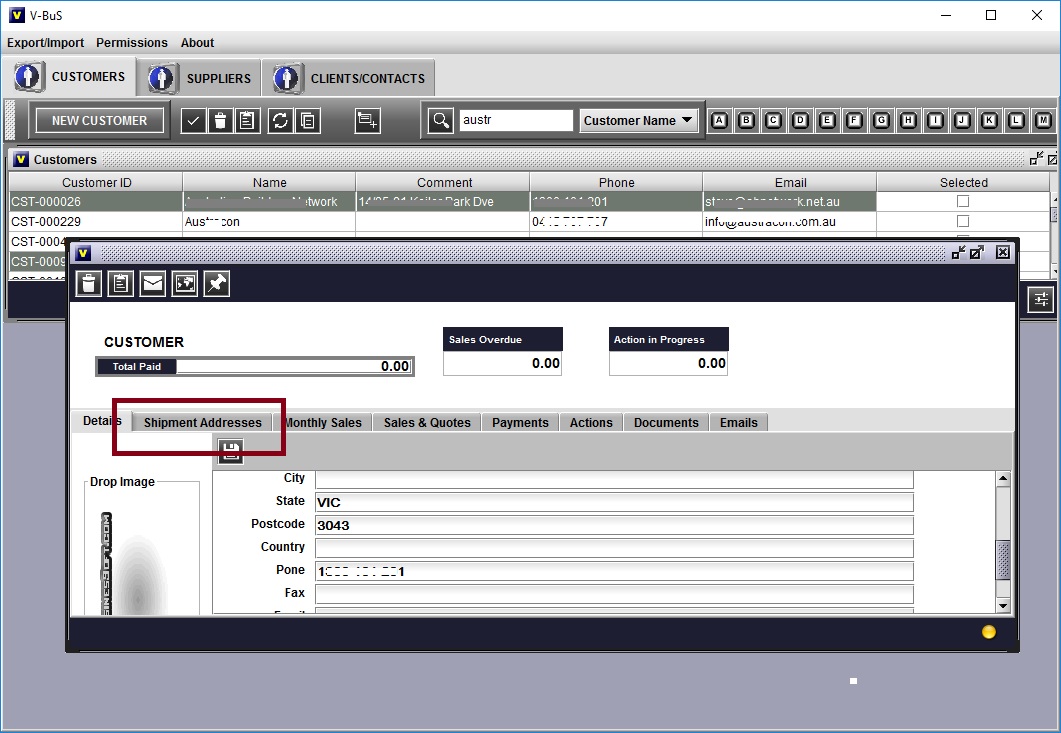
- Additional tables can be created to keep specific customer information (e.g Tax file number, or medical, patient's details for doctors, etc.)
- Create a contact record from an email you received or (and) the customer record from the contact record
- Maintain the list of sales (purchases) for each customer (vendor)
- List of Sales (purchases) linked to the Customer (vendor)
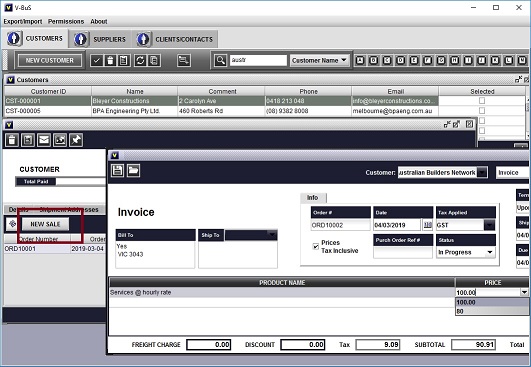
In the case of many customers (the system , instead of searching the customer name, create a new quote or invoice just from the customer's detail screen - Customer's payments list
- Sales per week, month, per year, by month
- List of Sales (purchases) linked to the Customer (vendor)
- Actions
- Link tasks, notes and actions to the customer record
- Link and keep all customer related documents
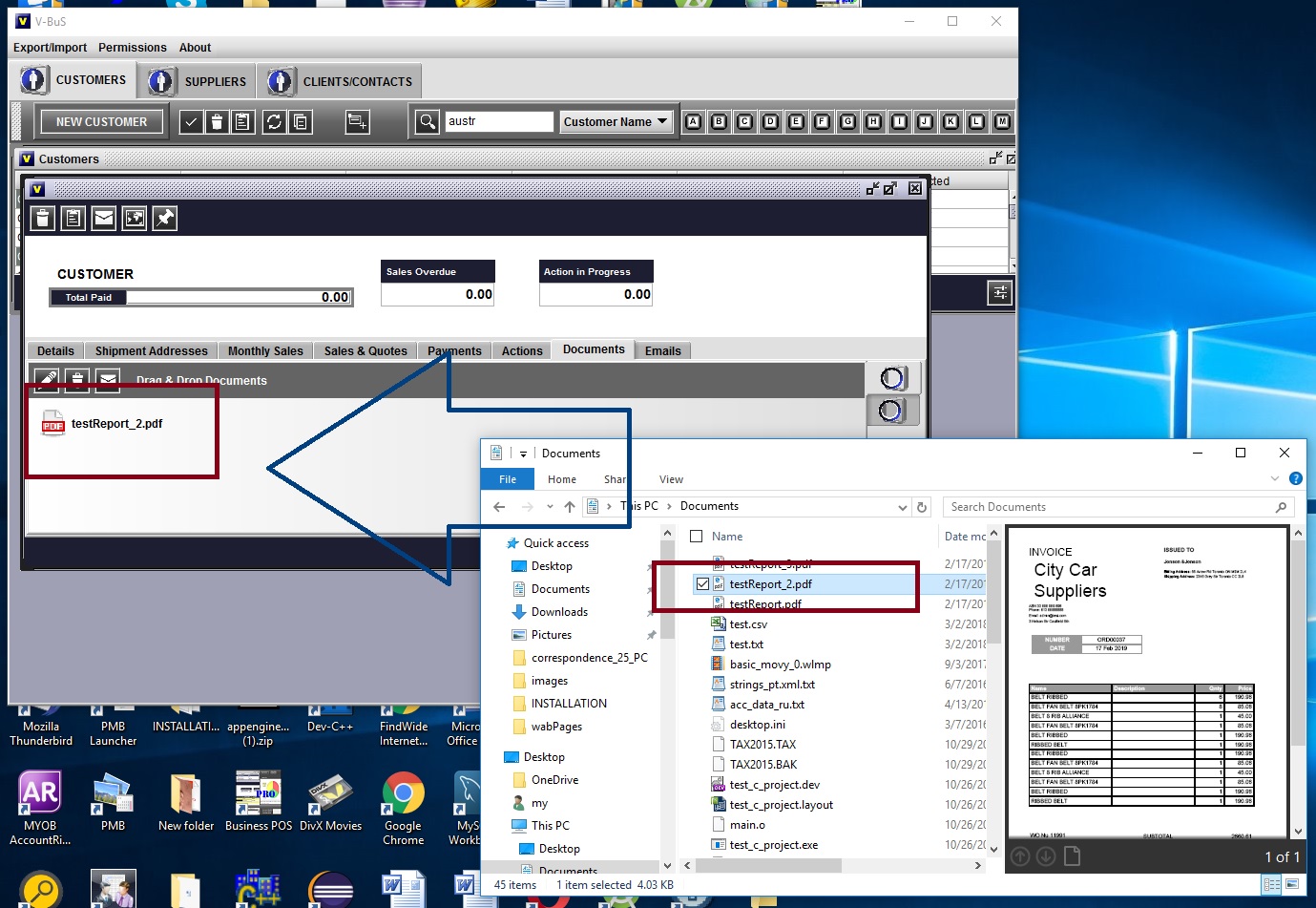
- Create & copy customer actions to the organiser for the given dates
- Communications
- Send & receive emails, link emails to contact record
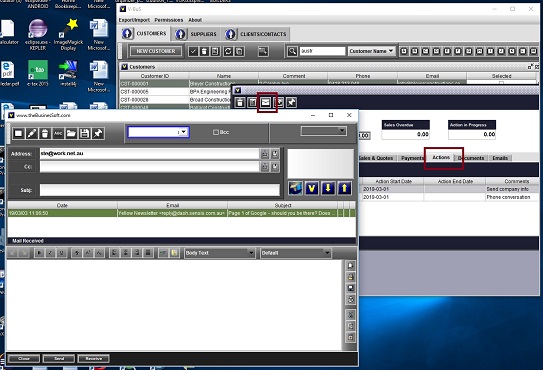
- Instantly call or send SMS (Android)
- Keep phone log and link to contact record (Android)
- Customers' groups & marketing
- Sort customers or contacts by different criteria
Display and print list with a specific set of customers (contacts) details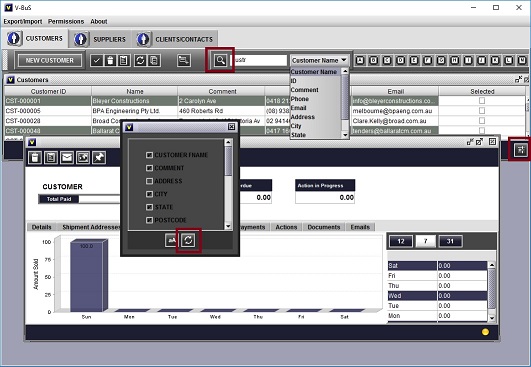
- Create multiple customers groups & use these groups as mailing lists

- Broadcast emails & marketing materials to the selected groups of customers
- Prepare professionally looking graphical emails with promotions, newsletters or announcements about sales
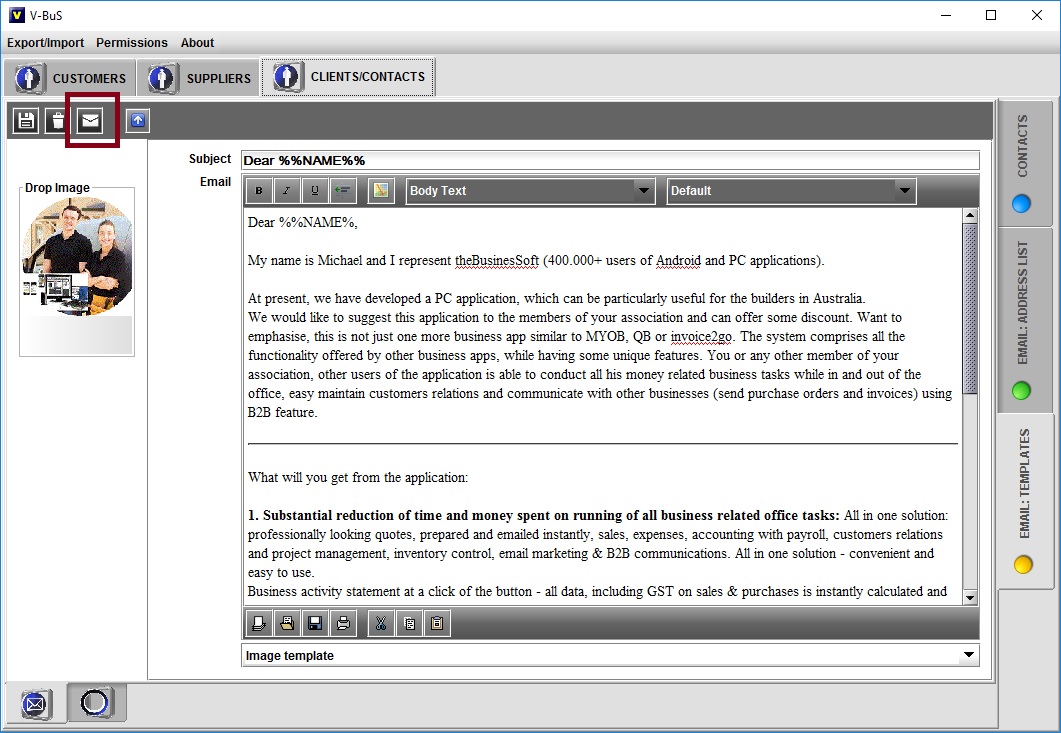
- Send emails. Use different types of addressing your contacts
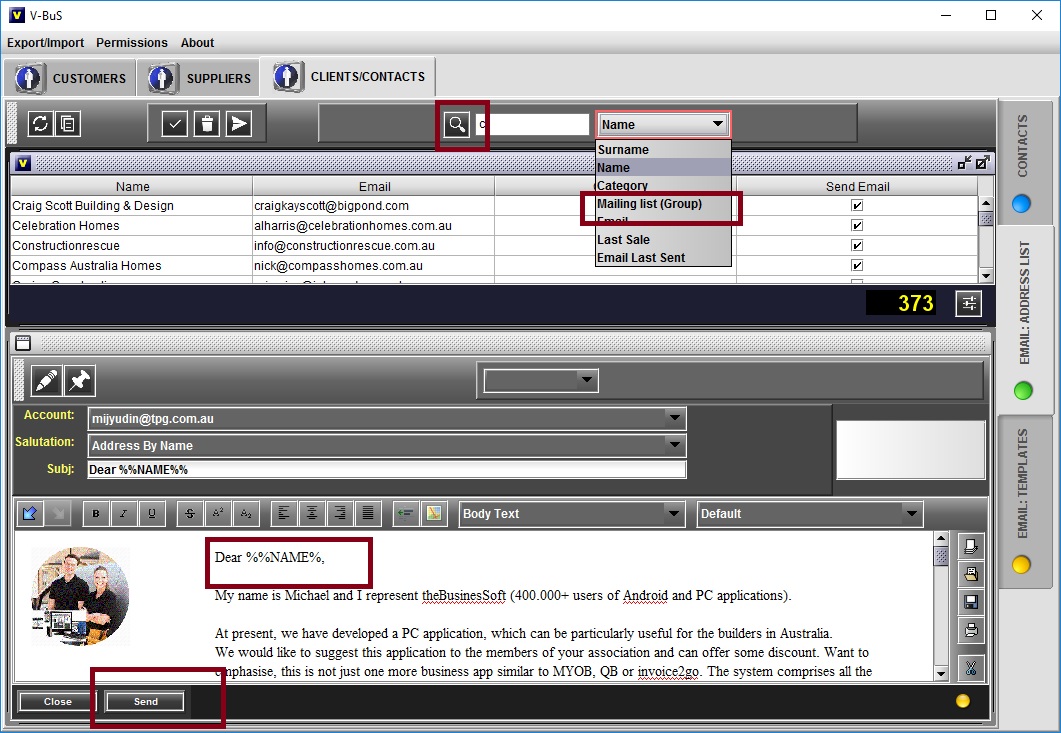
the system works the best with the small size mailing lists, when you address specific groups of your clients - The date when the e-mail was sent is automatically recorded, so you can see when the email has been sent to the particular group of contacts, to address efficiently all the groups
| DOWNLOAD | FAQ | CONTACT |